Send files to TV revolutionizes the way users interact with their home entertainment systems by bridging the gap between mobile devices and large screens. This utility simplifies the often-frustrating process of moving media from a smartphone to a smart television without the need for cables or complex configurations. By utilizing your local Wi-Fi network, it provides a seamless bridge that allows for the instantaneous sharing of movies, photos, and large documents. This streamlined approach ensures that your home ecosystem remains connected and efficient without requiring any external hardware.

Send files to TV
Yablio
Download
9.16 MB
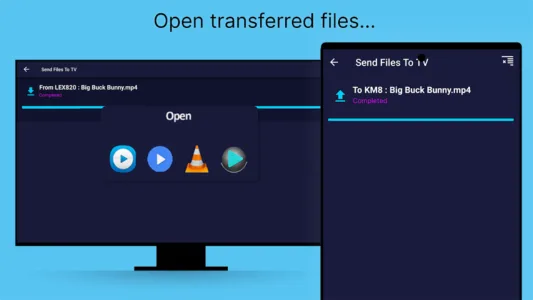
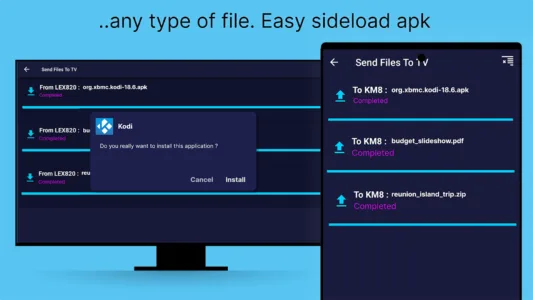
Send files to TV Screenshots
1 / 12
9.16 MB
Size
1.4.22
Version
6.0+
Android
Universal
Arch
About Send files to TV
Send files to TV revolutionizes the way users interact with their home entertainment systems by bridging the gap between mobile devices and large screens. This utility simplifies the often-frustrating process of moving media from a smartphone to a smart television without the need for cables or complex configurations. By utilizing your local Wi-Fi network, it provides a seamless bridge that allows for the instantaneous sharing of movies, photos, and large documents. This streamlined approach ensures that your home ecosystem remains connected and efficient without requiring any external hardware.
Seamless Local Networking
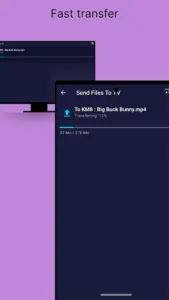
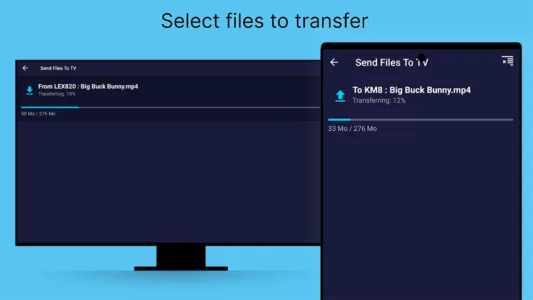
This solution operates entirely within your local network, meaning it does not rely on an active internet connection to function at its best. By bypassing external servers, the tool ensures that your data remains private and transfers occur at the maximum speed supported by your router. You can move massive 4K movie files or entire photo albums in seconds rather than minutes. This local-only architecture is particularly beneficial for users with data caps or unstable internet providers who still want a reliable way to sync their devices.
Automated Device Discovery
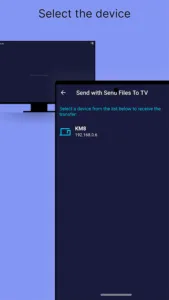
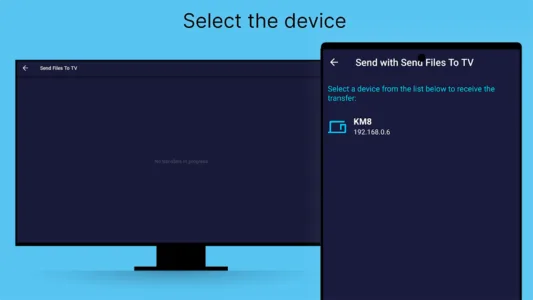
One of the most impressive aspects of the experience is how it eliminates manual setup through an intelligent discovery feature. Once the software is running on both your mobile device and your Android TV, they find each other instantly without needing manual IP entries. This automation makes it incredibly accessible for non-technical family members who just want to view their phone photos on a bigger screen. It creates a plug-and-play environment that feels modern and intuitive from the very first launch.
Cross Platform Compatibility
Beyond just connecting phones and televisions, Send files to TV extends its functionality to personal computers, creating a truly unified file-sharing hub. Whether you are running Windows, macOS, or Linux, this platform allows for bi-directional transfers across all your hardware. You could easily send a downloaded TV show from your laptop directly to your living room screen while simultaneously pulling a document to your tablet. This versatility makes it an essential tool for anyone managing a diverse range of digital devices in a modern household.
Intuitive User Interface
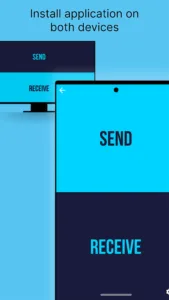
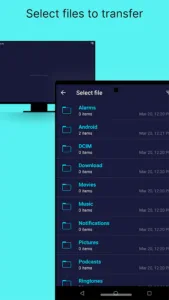
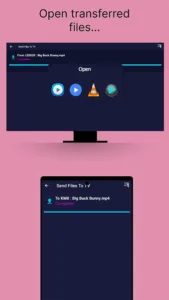
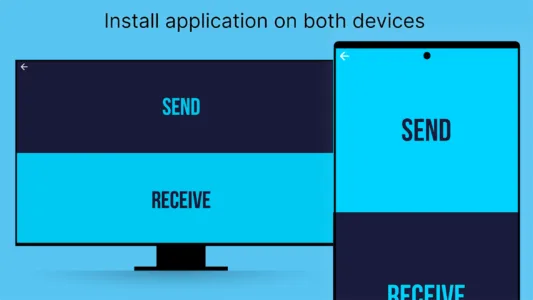
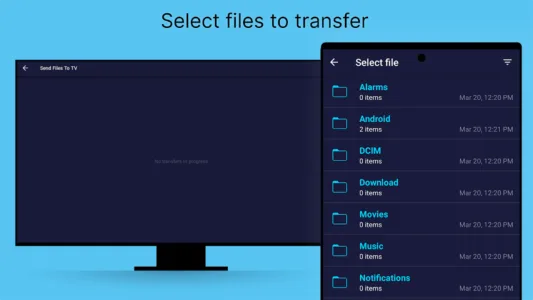
The design philosophy behind this utility focuses on simplicity and speed, avoiding cluttered menus or unnecessary bloatware. Users are greeted with a straightforward choice to either send or receive, which keeps the workflow focused and efficient. Navigating through internal storage to find specific files is handled through a clean file browser that feels familiar to anyone used to modern operating systems. This minimalist aesthetic ensures that the technology never gets in the way of the actual task at hand, making file management a breeze.
Advanced File Management
For those who like to stay organized, the settings panel offers granular control over where your incoming media is stored. You can easily check or change the download path to ensure that movies go to an external hard drive while documents stay in internal memory. This level of customization is perfect for power users who manage large libraries and need to keep their storage optimized. It transforms a simple transfer tool into a more robust management system for your entire digital media collection across your home network.
Frequently Asked Questions
You can easily modify the destination folder by navigating to the settings panel within the interface and selecting a new storage path that suits your needs.
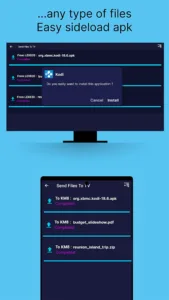
There are no specific size restrictions, allowing you to transfer massive high-definition movies or large software packages as long as your receiving device has enough storage.
Additional APP Information
Package Name
com.yablio.sendfilestotv
Developer
Yablio
Category
Updated
Sep 22, 2025
Content Rating
Everyone
Signature
dbeadeb768a548a1d02a433f9ce7660570d6bc26
Get it On

You are now ready to download Send files to TV for free. Here are some notes:
- Please read our APK Info and installation instructions carefully for the game & app to work properly
- Read the FAQ carefully for more details
4.6/5 (117 votes)